Key takeaways
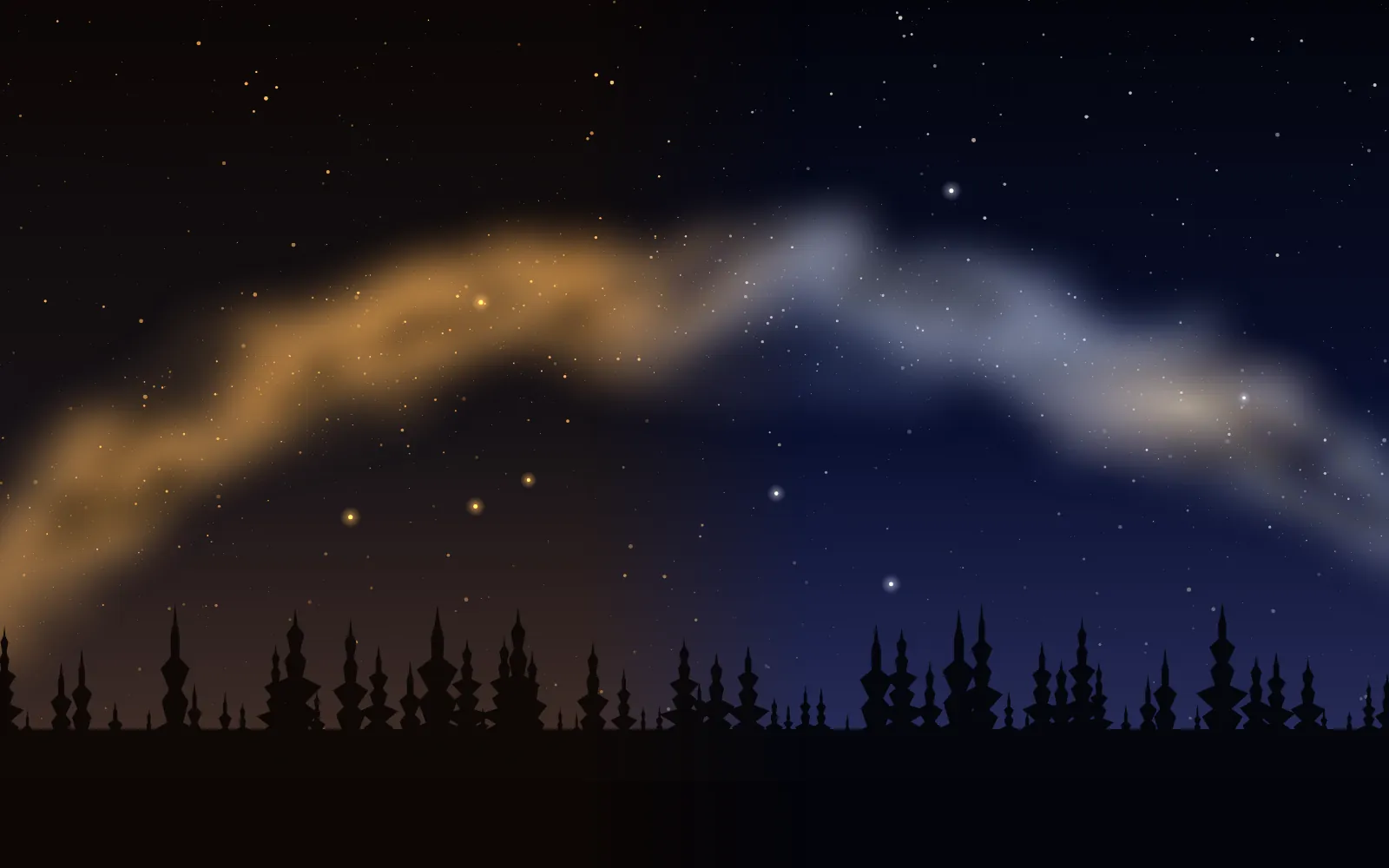
- A lower Kelvin number makes the picture cooler and bluer, and a higher number makes it warmer and more orange. It is the opposite of what the numbers seem to say.
- A common starting range for a dark sky is 3500 to 4500 K. National Parks at Night’s examples run from 3000 K for a cool night look to 3900 K to make the Milky Way colours stand out.
- Set a fixed value rather than auto, and use the same value on every frame, so that a sequence matches and stacks well.
- Shoot RAW. A RAW file keeps the sensor data, so the white balance can be changed freely in an editor, whatever you set in the field.
What white balance does, and why it is odd at night
White balance tells the camera what colour of light to treat as neutral. In daylight the phone can guess well. At night there is no neutral grey in the scene, and the sky has its own faint colours, so the automatic setting can choose a different value from one frame to the next, and your sequence turns into a patchwork of slightly different colours.
That is the main reason to set it by hand. The colour of a night sky is also partly a matter of taste, which is why National Parks at Night says there are no rules and offers its numbers as starting points. Other writers, such as AstroBackyard, find that a daylight setting is often too warm for the night sky, and suggest testing in steps of 100 K.
The Kelvin scale: lower is cooler
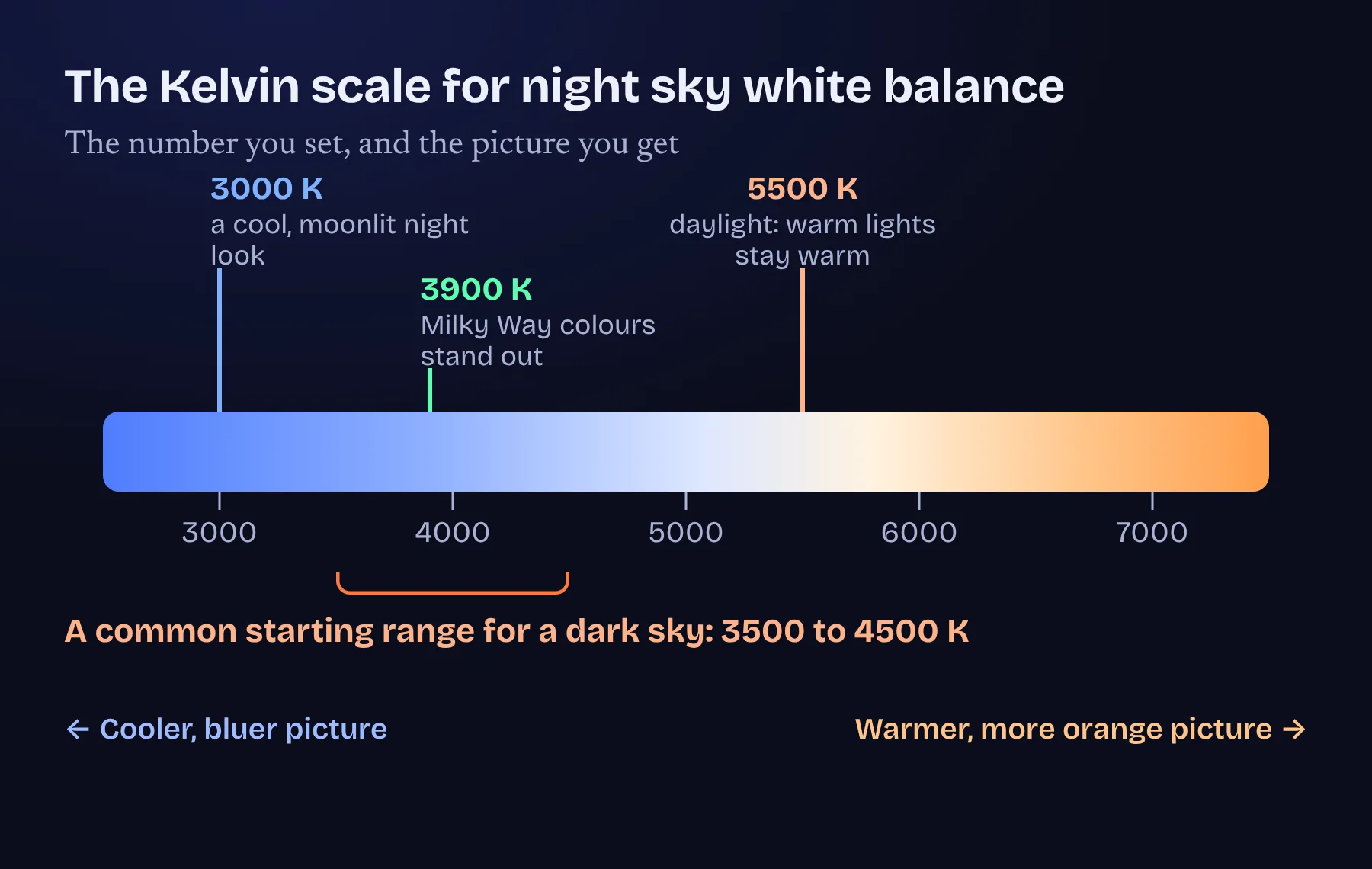
The Kelvin number is the colour temperature of the light that the camera assumes. If you tell it the light is very warm, it compensates by cooling the picture, so a lower number gives a bluer picture and a higher number a more orange one. Keep that in mind when a sky looks too orange: the cure is to lower the number.
National Parks at Night describes 3000 K as a cool setting that makes a moonlit scene look distinctly like a night photograph, 3200 K (the tungsten preset) as a less extreme choice, 3900 K as a way to make Milky Way colours stand out when the moon is down, and 5500 K (daylight) as the safe choice if you want warm light to look warm.
Starting values for different skies
| Situation | Start at | Why |
|---|---|---|
| A dark, moonless sky (the Milky Way) | 3800 to 4300 K | A cool, natural looking sky in which the stars’ colours stand out |
| The northern lights | 3500 to 4000 K | Keeps the greens clean without turning the sky yellow |
| A sky with an orange town glow | 3200 to 3800 K, lower if needed | A cooler setting neutralises the orange of the street lights |
| A moonlit landscape | 3000 to 3800 K | Keeps a night look, where a daylight value would look like a dim day |
| The Moon | About 5000 K | Close to daylight, which keeps the Moon a neutral grey |
| Star trails or any sequence | Any fixed value | The same on every frame, so the frames match |
These are the same numbers as in our settings guide. Take a test frame, look at the colour of the sky and of the stars, and change the value by 100 to 300 K at a time until it looks believable to you.
Why RAW makes white balance forgiving
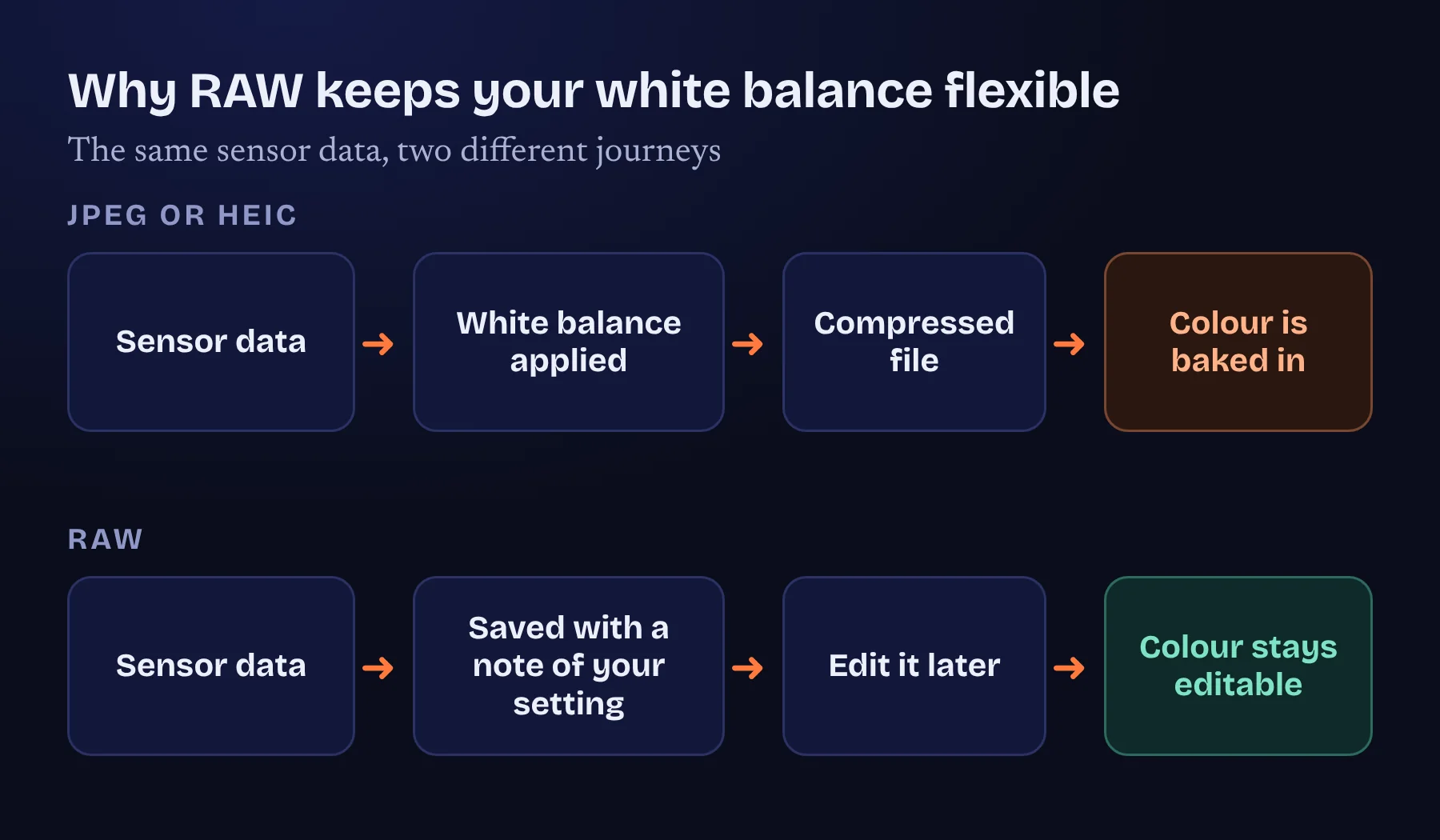
A JPEG or HEIC file has the white balance applied when it is saved, so the colour is baked in. A RAW file keeps the sensor data and records your white balance as a note, so you can change it in an editor with little or no loss. Apple lists DNG, the RAW format, alongside HEIF and JPEG in the iPhone 17 Pro specifications, and AstroNight’s camera has a RAW switch.
| RAW | JPEG or HEIC | |
|---|---|---|
| White balance | Editable later with little loss | Baked in when the picture is saved |
| Brightness and shadows | More room to lift dark areas | Less room, and noise shows sooner |
| File size | Larger | Smaller |
| Needs editing | Yes, it looks flat until you do | Looks finished straight away |
| Best for | Anything you plan to edit or stack | Quick sharing |
The trade is file size and a little editing. For the night sky, where you will almost always brighten and colour-correct the picture, it is worth it. Stacking programs also work best with RAW frames.
Fixing colour casts
| What you see | Likely cause | What to do |
|---|---|---|
| An orange or brown sky | Town lights, or a white balance that is too high | Lower the Kelvin number, or correct it in RAW |
| A sky that is too blue or cold | A white balance that is too low | Raise the number by 300 K and retest |
| A faint green band low on the horizon | Airglow, which is natural | Do not over-correct it |
| Frames that differ in colour | Automatic white balance drifting | Set one fixed value for the whole sequence |
| Stars that look a little yellow or blue | Real star colours | Leave them. It is a sign that the balance is good |
Colour is partly taste, so do not chase a perfect neutral. Aim for a sky that looks believable and a picture in which the stars show their different colours. Reading a test frame explains how AstroNight and your own eyes can check the colour cast, and why a slightly warm or cool sky is not a fault.
Setting it in the AstroNight camera
In AstroNight’s manual camera the white balance is one of the controls under the preview, next to ISO, exposure time and focus, and the RAW switch is on the shutter row. Set a Kelvin value from the table above, turn RAW on, and keep the value fixed across a sequence. If a frame looks off, change it by a small amount rather than swinging between extremes.
Frequently asked questions
What is the best white balance for night sky photos?
There is no single best value. A common starting range for a dark sky is 3500 to 4500 K, with about 3800 to 4300 K for the Milky Way. Test in steps of 100 K and keep the one that looks believable.
Why is my night sky photo orange?
Usually town lights add an orange glow, or the white balance number is too high. Lower the Kelvin value, or fix it afterwards if you shot RAW.
Does a lower Kelvin number make a picture warmer or cooler?
Cooler. A lower number makes the picture bluer and a higher number makes it more orange.
Should I use auto white balance for the night sky?
It is better to set a fixed value. In the dark the automatic setting can change from frame to frame.
Does white balance matter if I shoot RAW?
It matters less, because a RAW file lets you change it later, but a good setting in the field gives you a better preview and matching frames.
What white balance should I use for the Moon?
About 5000 K, close to daylight, keeps the Moon a neutral grey.
Sources and further reading
AstroNight is now on the App Store. The free planner, coach and manual night sky camera works on iPhone and iPad with iOS 17 or later, offline, with no account. Get it on the App Store.